
Signing in
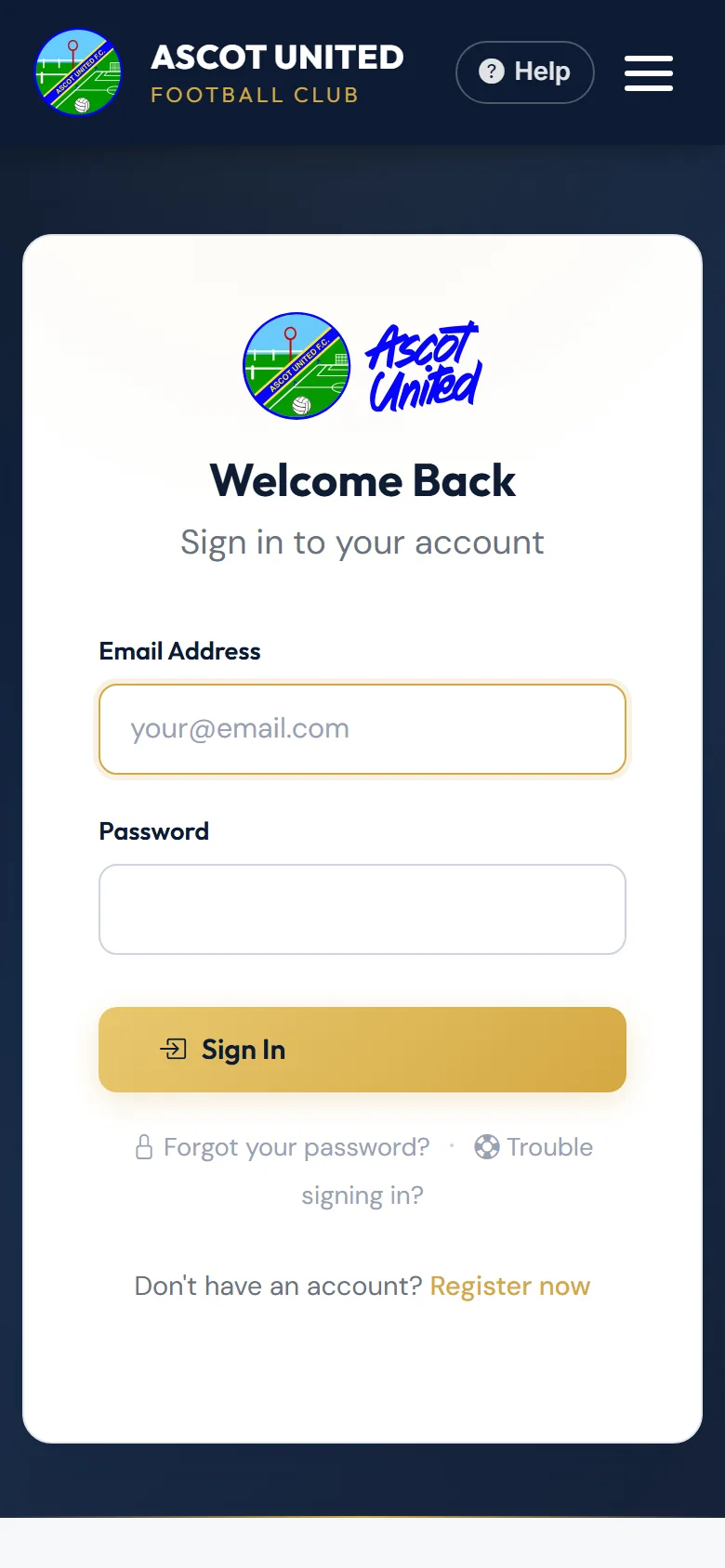
- Go to app.ascotunitedfc.co.uk and choose Sign In.
- Enter your Email Address and Password, then choose Sign In.
- If you've turned on two-step login, enter the code you're sent. See Two-step login.
- You'll land on your dashboard, or back on the page you were trying to open.
If you haven't turned on two-step login yet, you may see a page suggesting it after you sign in. Choose Set Up Two-Factor Authentication, or Remind me next time to carry on.
Forgotten your password
- On the sign-in page choose Forgot your password?
- Enter the email address you registered with and choose Send Reset Link.
- Open the email Reset Your Password — Ascot United FC and choose Reset My Password.
- Type a new password (at least 8 characters) twice and choose Set New Password.
- You're taken back to the sign-in page with the message "Your password has been reset." Sign in with the new password.
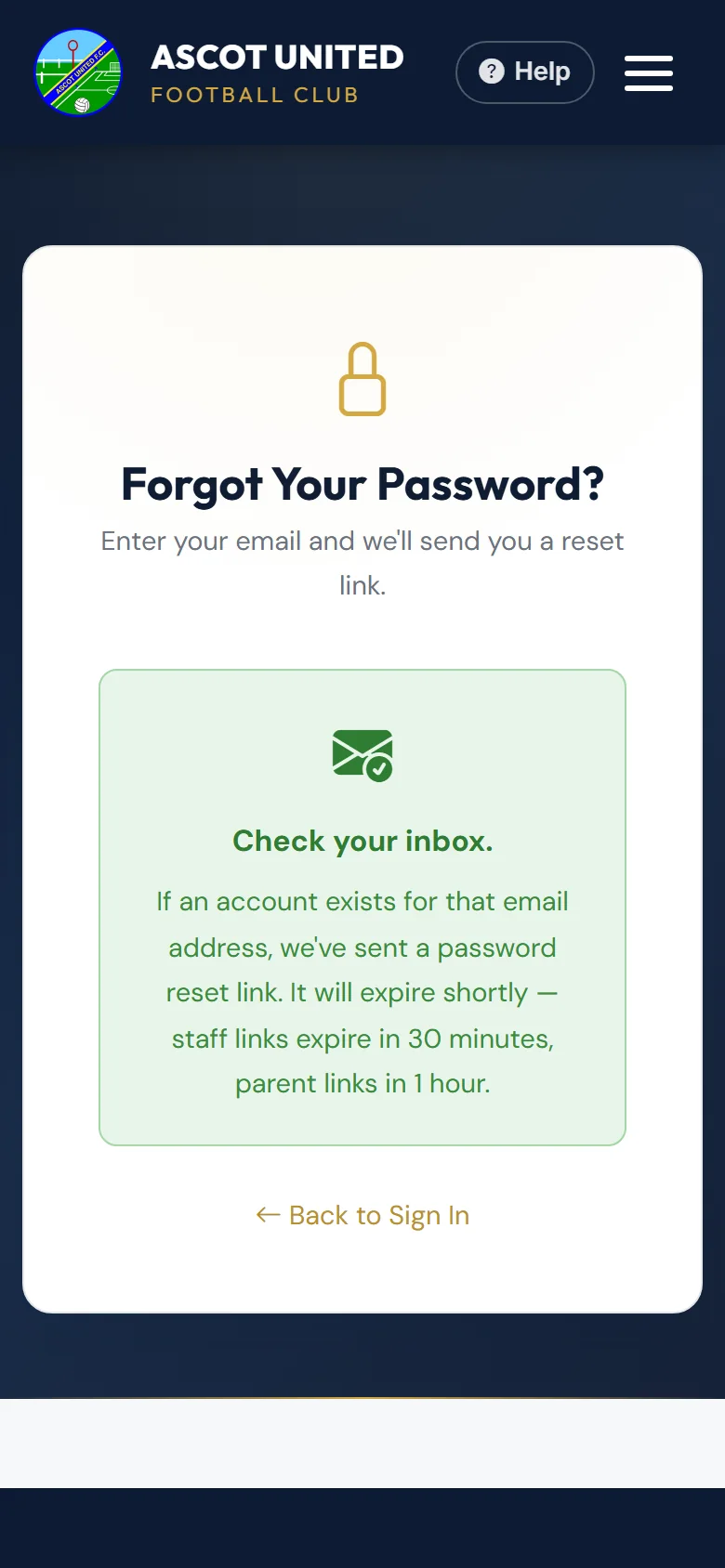
For your security the page always says it has sent a link, even if there's no account for that email. If nothing arrives, check your junk folder, and check you used the email you registered with.
Reset links work once and expire after 1 hour (30 minutes for club staff). You can ask for up to three links an hour.
"This Link Has Expired"
A reset link stops working when:
- it's more than an hour old,
- it's already been used,
- you've asked for a newer link since, or
- you've signed in since it was sent.
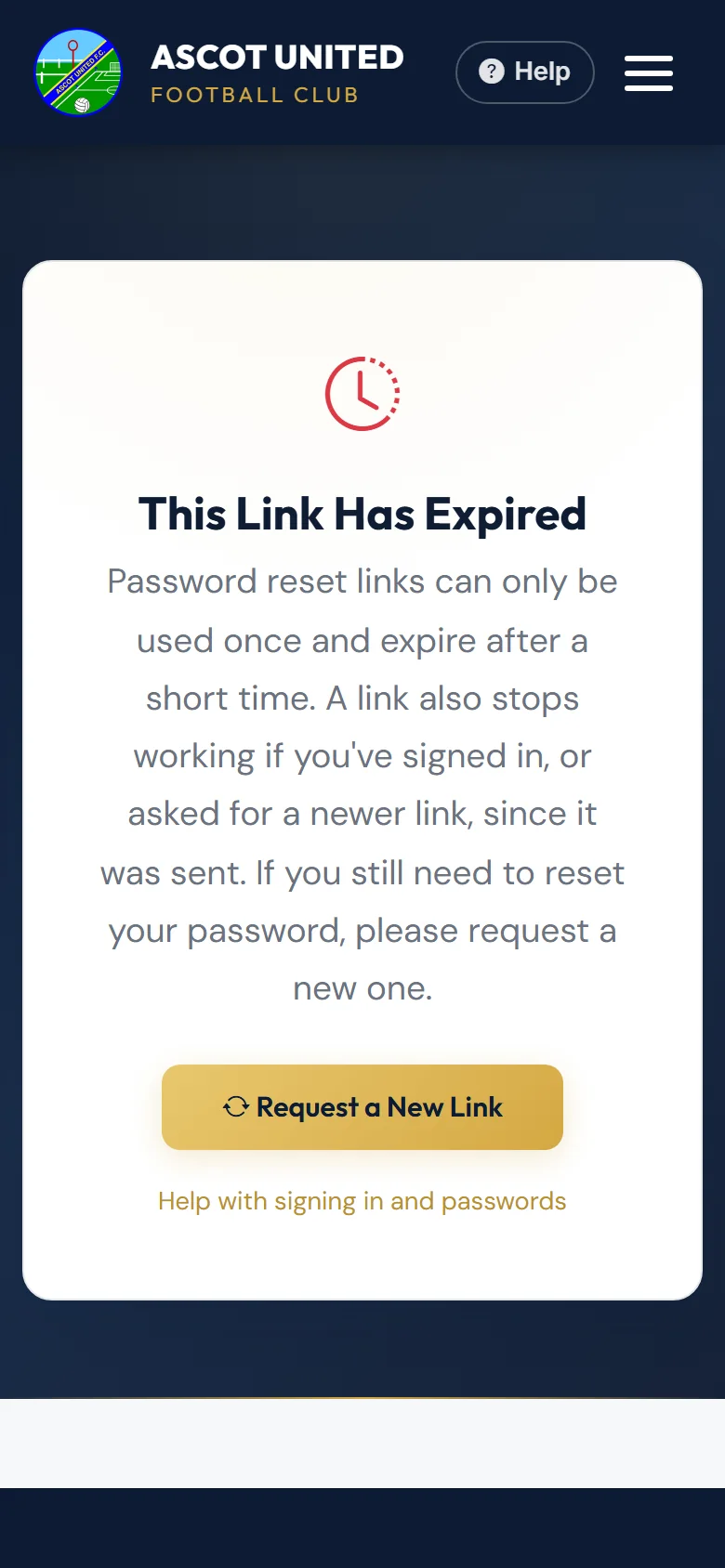
Choose Request a New Link and use the newest email.
Messages you might see
| Message | What it means |
|---|---|
| Invalid email or password. | The email or password is wrong, or the account has been switched off. Check for typing mistakes, then try Forgot your password? |
| Your account invitation is pending… | You're a second parent or guardian who hasn't set a password yet. Use the link in your invitation email, or ask the main account holder to resend it. |
| You don't have access to that page | You're signed in, but that page is for someone else — for example club staff. |
If you still can't get in, see I can't sign in.
Still stuck?
Problems with the app: Dan Birchmore