
There's no separate "sign up" page. Your account is created when you first register a player, or when you book a holiday camp for the first time.
When you register a player
This is how most families get an account.
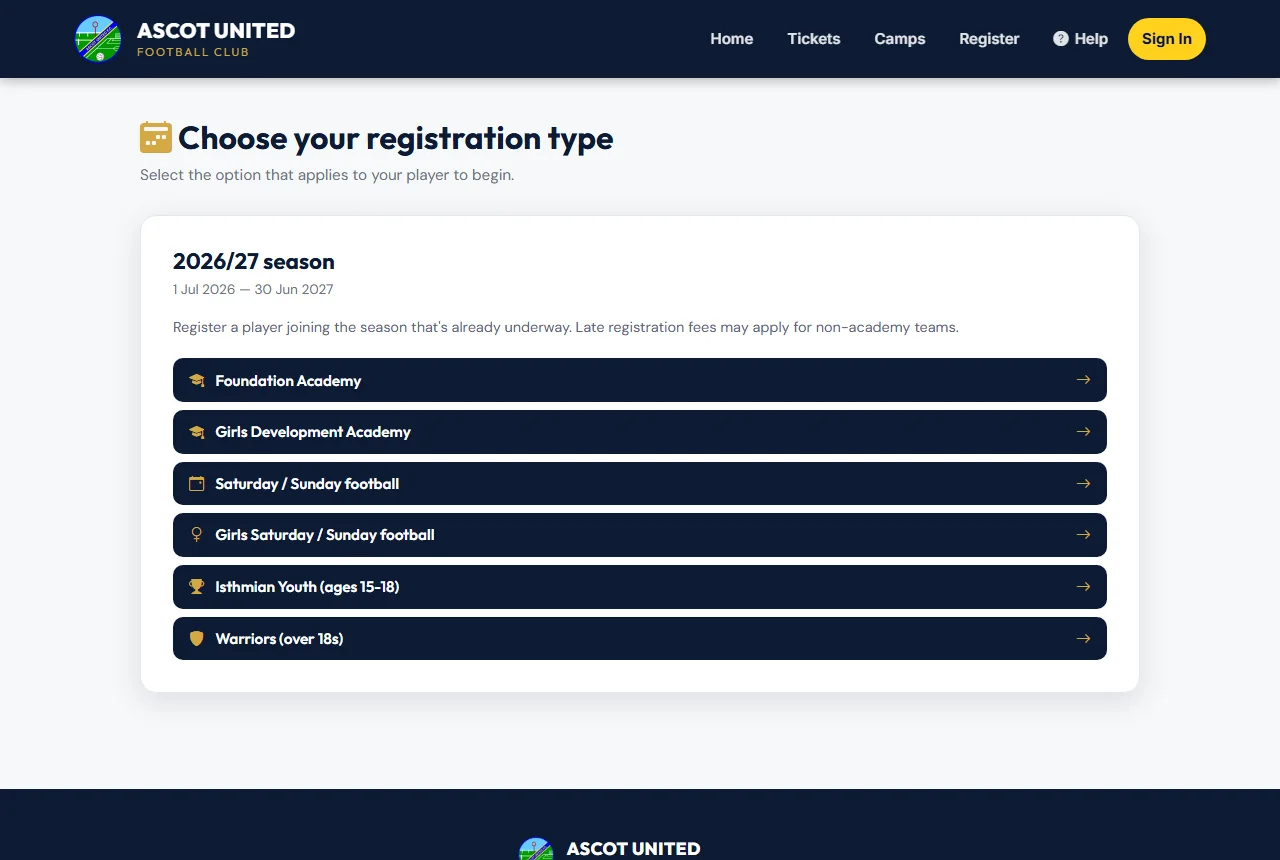
- Go to app.ascotunitedfc.co.uk and choose Register Now (or Register in the menu).
- Pick the type of registration — for example Saturday / Sunday football or Foundation Academy.
- Fill in your own details first: name, date of birth, email, phone, relationship to the player and address.
- Choose whether you'd like General Club News by email. You'll always get team and match messages about your child's team — those are part of taking part.
- Choose a password of at least 8 characters, and type it again to confirm.
- Add your child or children, check the fees, accept the terms and continue to payment.
When the registration is complete you'll see a confirmation page. Use your email and new password to sign in whenever you want to check progress.
You're not signed in automatically after registering. Sign in with the email and password you just chose.
When you book a holiday camp
If you only want camps, you can make a quick camp account instead of a full registration.
- Open the camp you want and choose to book. You'll be asked to sign in.
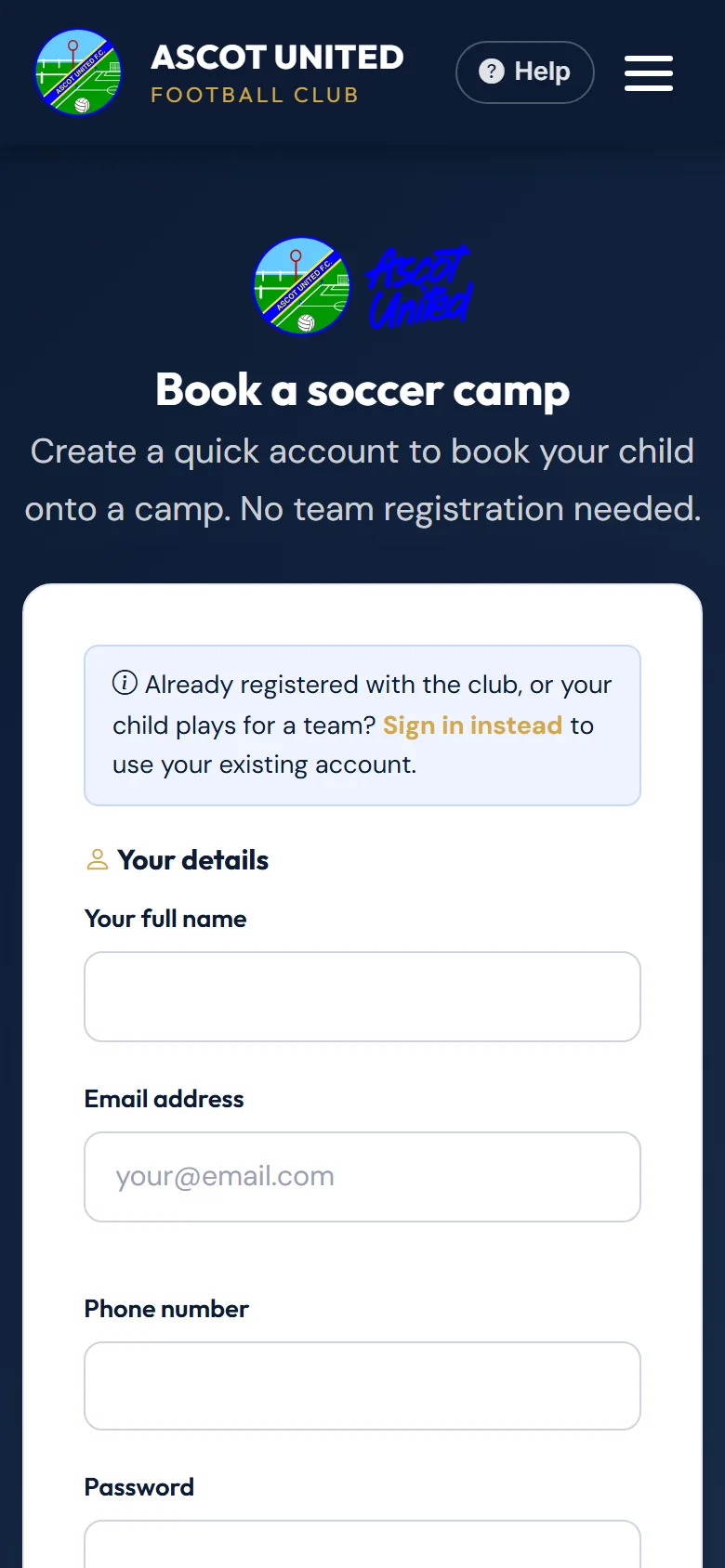
- Under the sign-in form, choose New to camps? Create a quick account.
- Enter your name, email, phone and a password, then your child's name and date of birth. Medical notes, allergies and a photo are optional.
- Tick to agree to the privacy policy. You can also choose to get Ascot United club news — that's optional and unticked.
- Choose Create account & continue. You're signed in straight away and taken back to the camps.
If your email is already in use
You'll see "An account with this email address already exists. Please log in instead." Each email can only have one account. Sign in instead — if you've forgotten the password, use Forgot your password? on the sign-in page.
Tickets and the Taster Pass
You don't need an account to buy tickets or book a Taster Pass. You check out with your email or phone number and the tickets are sent to you.
Still stuck?
Registrations and membership: Registrations