
The Ascot United FC app at app.ascotunitedfc.co.uk is where families register players, pay fees, book holiday camps and reply to their coach. Supporters use it to buy match tickets.
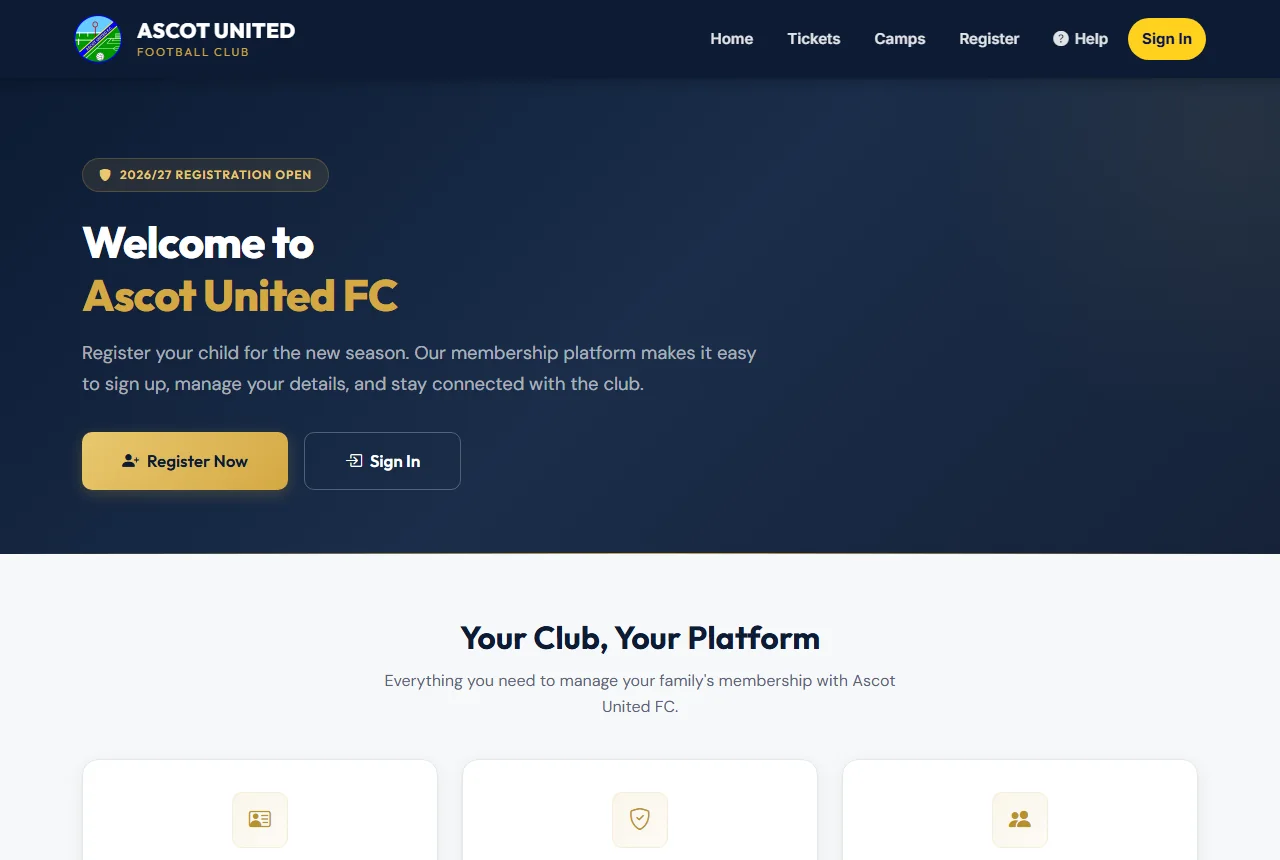
Things you need an account for
Sign in with your email and password to:
- Register a player and pay the fee in full or, where offered, monthly.
- See your family dashboard: each child's registration status, anything waiting to be paid, and availability requests from coaches.
- Book holiday camps and manage your bookings.
- See your payments, refunds and any fines on the My Payments page.
- Keep your details up to date, add a second parent or guardian, and turn on two-step login.
You get an account the first time you register a player, or by creating a quick camp account when you book a camp. See Creating your account.
Things you don't need an account for
- Buying match, season or event tickets. You check out as a guest and your tickets arrive by email or text.
- The free Taster Pass for trying out a home game.
- Replying to an availability request using the link in the club's email or text.
- Referees use their own portal with a separate sign-in. See Referees.
Finding your way around
Once you're signed in, the menu at the top has Dashboard and a button with your name. The name button opens your account menu:
- Edit My Details — your contact details and communication choices.
- Two-step login — turn on, change or turn off the extra security code.
- Forget trusted devices — ask for a code again on every device.
- Sign Out.
On a phone, tap the ☰ button at the top right to open the menu.
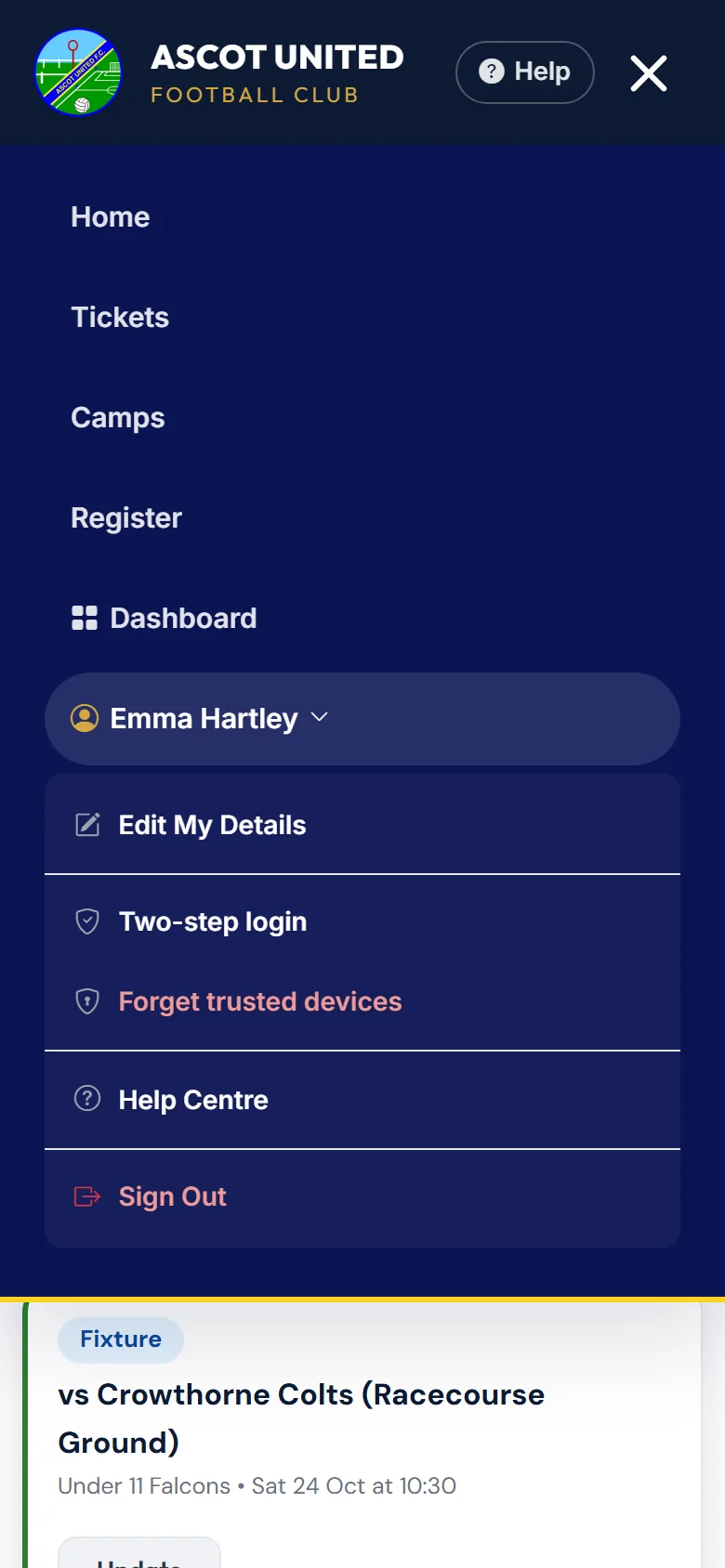
The Help button at the top of every page opens the guide for the page you're on, in a new tab so you don't lose your place. On a phone it sits next to the ☰ button. Your dashboard also has a Need a hand? box with links to the Help Centre and to contact the club.
At the bottom of every page you'll find links to Buy Tickets, Join the Club, Contact Us, Club Documents and the Privacy Policy.
You stay signed in for 14 days, and that restarts each time you use the app — even if you close your browser. Choose Sign Out if you're on a shared computer.
Still stuck?
General enquiries: Jo Gavin