
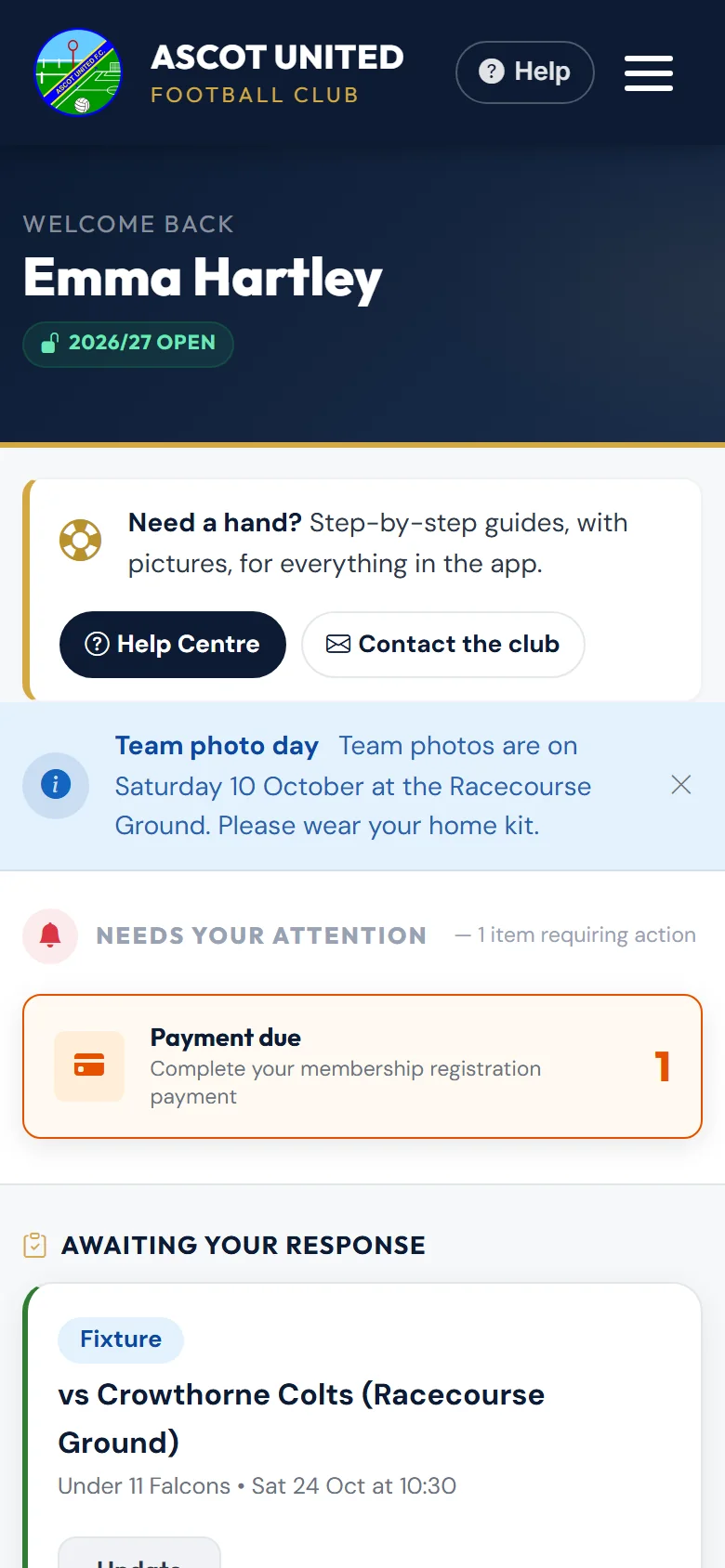
There's nothing to download. The app works in your phone's web browser, and you can put a shortcut to it on your home screen.
iPhone (Safari)
- Open app.ascotunitedfc.co.uk in Safari and sign in.
- Tap the Share button (the square with an arrow pointing up).
- Scroll down and tap Add to Home Screen.
- Change the name if you like, then tap Add.
Android (Chrome)
- Open app.ascotunitedfc.co.uk in Chrome and sign in.
- Tap the ⋮ menu at the top right.
- Tap Add to Home screen, then Add.
Add the shortcut while you're on your dashboard. Because you stay signed in for 14 days (and that restarts each time you use the app), the shortcut will usually open straight to your dashboard.
Tickets on your phone
Match tickets and passes have their own Save to phone option on the ticket page. See Saving tickets to your phone.
Still stuck?
Problems with the app: Dan Birchmore