
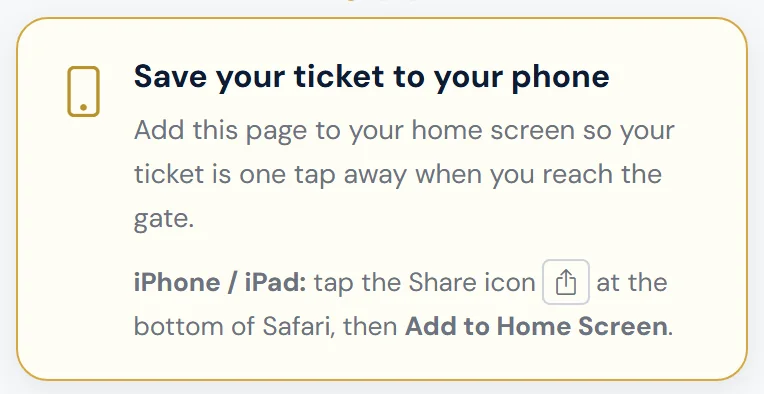
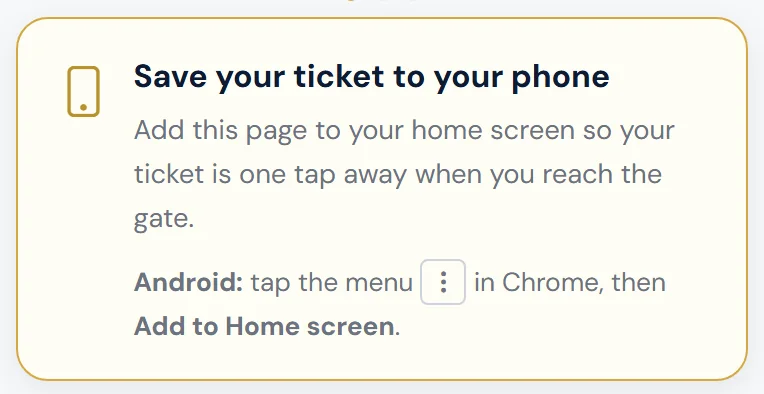
Every ticket and pass page has a Save your ticket to your phone box. Adding the page to your home screen means your tickets are one tap away when you reach the gate.
iPhone or iPad
- Open your ticket link in Safari.
- Tap the Share icon at the bottom of the screen.
- Tap Add to Home Screen, then Add.
Android
- Open your ticket link in Chrome.
- Tap the menu (three dots) at the top right.
- Tap Add to Home screen, then Add.
Some Android phones show an Add to Home Screen button in the box itself — tap that instead.
Other tips
- Bookmark the page, or keep the email or text — the link always shows your latest tickets.
- Turn your screen brightness up at the gate. It helps the scanner read the QR code.
- A printed copy of the QR code works too.
The club doesn't offer Apple Wallet or Google Wallet passes yet.
Still stuck?
Tickets, season tickets and match day: Dan Birchmore