
Club events — socials, quiz nights, awards evenings, fundraisers and tournaments — are listed under Club Events on the Tickets page, below the matches.
Buying event tickets
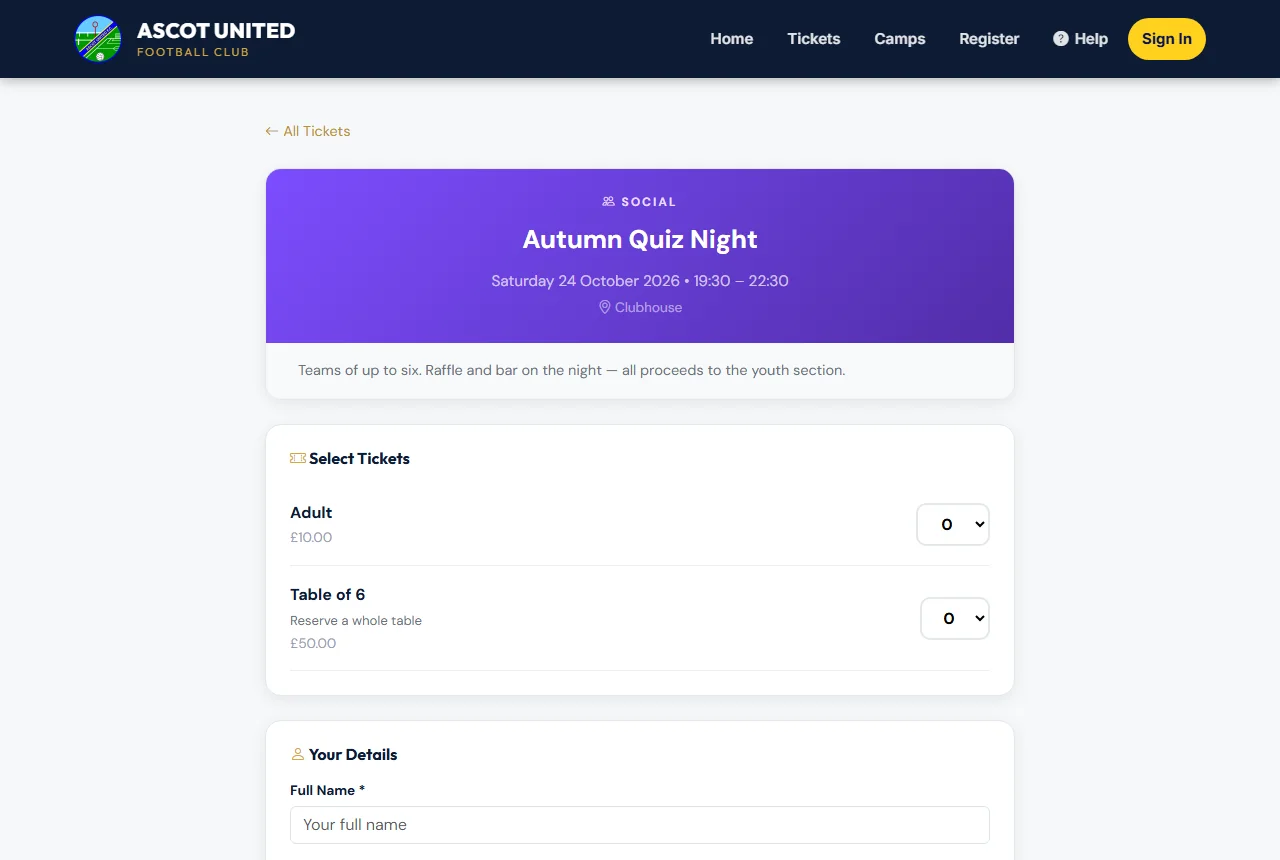
- Choose Tickets, then the event.
- Choose how many of each ticket type you need.
- Enter your name and email, and your mobile if you'd like a text too.
- Choose Continue to Payment and enter your card details on the payment page.
You'll see Tickets Confirmed!, and your tickets are emailed to you (and texted, if you gave a mobile). Free events skip the payment step.
Members-only events
Some events are for club members and families only. If you're asked to sign in when you open one, sign in with your club account and you'll go straight back to the event.
At the event
Each ticket has its own QR code — show it on your phone when you arrive. Each code lets one person in, once.
Can't find your tickets? See Lost tickets and missing emails.
Still stuck?
Tickets, season tickets and match day: Dan Birchmore