
The gate screen is where volunteers scan tickets and passes, sell tickets on the day and record free entries. It works on a phone or a tablet.
Getting a gate login
The club sets you up — ask [email protected] 07590 598459.
- New to the app? You'll get a text from ASCOTUTD with the gate link, your email address and a password. Keep it safe. This login is for the gate only.
- Already a parent at the club? Gate access is added to the account you already have. You'll get a text to say so, and you sign in with your usual email and password — no new password.
Gate logins don't normally use two-step login, so your email and password are all you need. If you'd already turned on two-step login for your parent account, it stays on.
Forgotten your password? Choose Forgot your password? on the sign-in page, or ask the club to text you a new one — they can do that at any time, even on match day. Once a new one is texted, the old password stops working and you're signed out on any other phone.
Signing in
- Tap the link in your text.
- Enter your email and password and tap Sign In. You'll go straight to the gate.
If you sign in any other way, you'll land on your dashboard. Tap the gold Open the Gate button (or the Match Day tile) to get to the gate.
Your phone normally keeps you signed in, so next time just open the app and tap Open the Gate.
Choosing the match
The gate opens today's match automatically. If there's more than one match today, tap the one you're working on in the row of buttons near the top.
If there's also a club event today, such as a quiz night, the same row has a button for it, for example Event: Autumn Quiz Night. Tap it to switch to the event gate, where you scan tickets for the event. See Scanning tickets.
The top of the screen shows the match, the date and kick-off time, whether a card reader is paired (1 reader(s) paired, or No reader paired in red) and your name. Under that are four counters — Checked In, Sold, Season and Gate Sales (paid tickets sold at the gate) — and the three tabs: Scan, Sell and Stats.
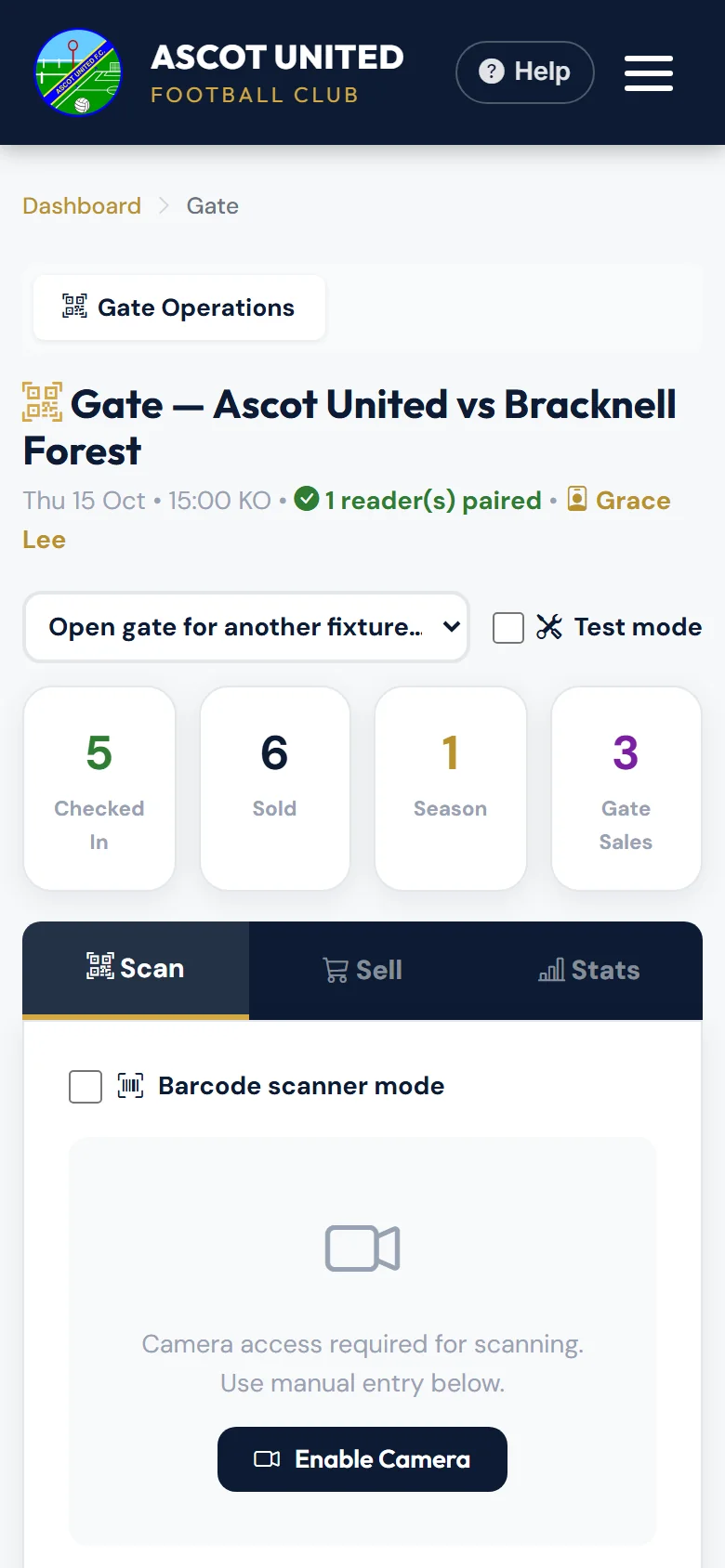
To open a different match — for example to practise for a future one — choose it from Open gate for another fixture….
No match today?
If there's a club event today, such as a quiz night, the gate opens the event gate for it. Check-ins there are real. See Scanning tickets. To practise for a match instead, choose it from Open gate for a match….
If there's no match or event today but there's a match in the next two days, the gate opens that match, ready to rehearse in Test mode.
Otherwise you'll see No Fixtures Today. You can pick a match from Rehearse an upcoming fixture: to practise scanning and selling before match day.
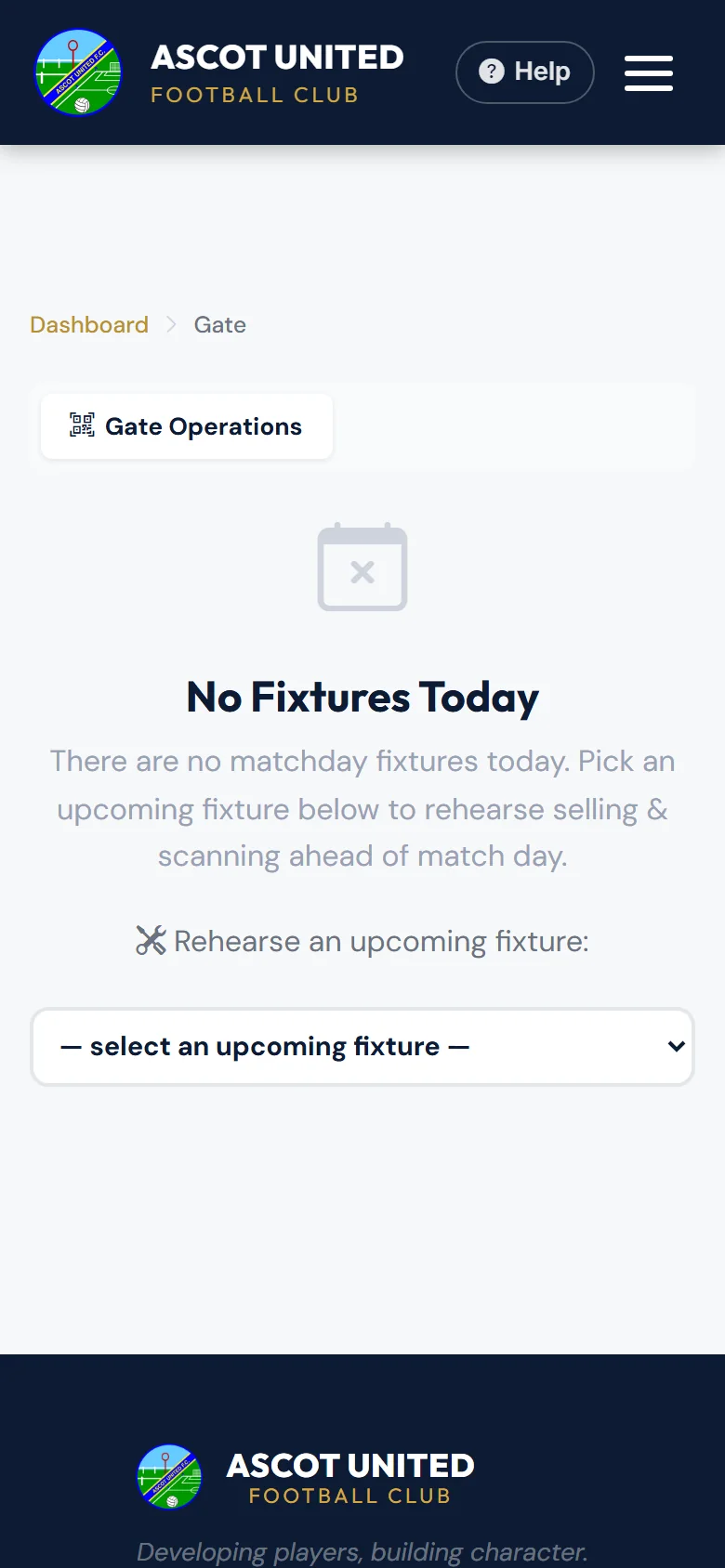
Practice runs open in Test mode, so nothing is saved. Don't untick Test mode on a match that isn't today — scans and sales would become real.
Still stuck?
Tickets, season tickets and match day: Dan Birchmore