
Use Record free entry when someone comes in without a ticket — for example the away club's secretary or a volunteer. It keeps the attendance figures right.
- On the Sell tab, tap Record free entry.
- Add what you can — all fields are optional: Person name, Which team and Notes.
- Tap Record entry. You'll see "Free entry recorded."
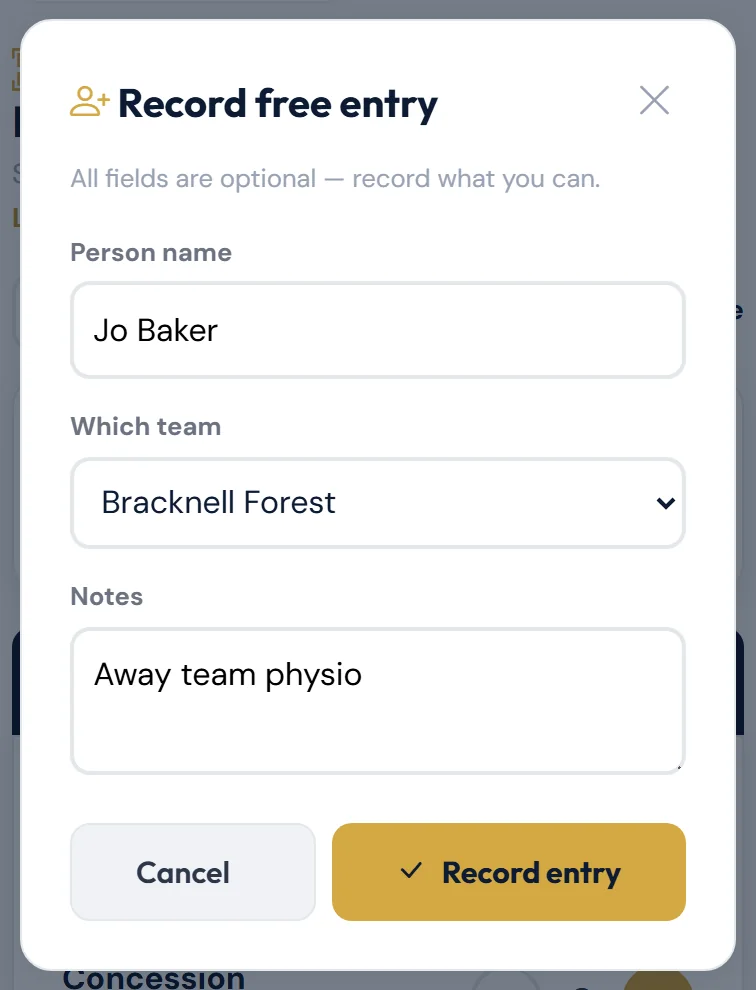
No ticket or QR code is issued. Free entries count towards TOTAL ATTENDANCE on the Stats tab.
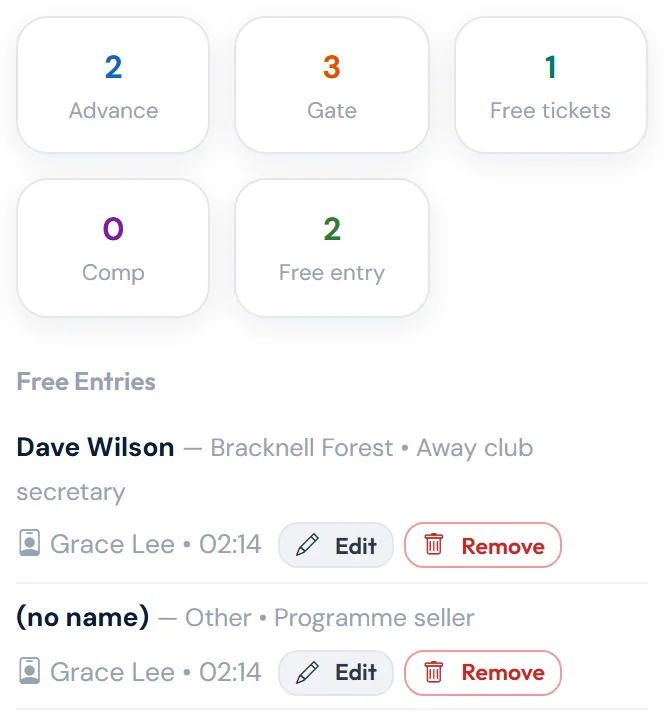
To see everyone recorded, open Stats and tap Free entry. The list shows each name (or (no name)), team and notes, who recorded it and when.
Changing or removing a free entry
On match day, entries recorded that day have Edit and Remove buttons in the Free entry list.
- Edit opens Edit free entry with the details filled in. Correct them and tap Save changes. You'll see "Free entry updated."
- Remove asks "Remove this free entry?" and shows the entry. Add a Reason (optional) if you like, such as "Recorded twice", and tap Remove entry. You'll see "Free entry removed. It no longer counts towards attendance." Tap Keep it if you change your mind. The entry isn't deleted: it stays at the bottom of the list under Removed (not counted), crossed out, with who removed it and why.
Every change is recorded with your name. Entries recorded on another day can't be changed, so they don't have these buttons.
Free entry or free ticket?
- Record free entry — someone let in without a ticket. Nothing is sent to them. Counted under Free entry on the Stats tab.
- Issue free ticket(s) — "selling" a free ticket type such as Under 16. They get a ticket, and it can be texted or emailed to them. Counted under Free tickets on the Stats tab. See Selling at the gate.
Still stuck?
Tickets, season tickets and match day: Dan Birchmore