
Test mode lets you practise before match day. Scans are checked but nothing is saved, and the card reader can be tested without selling anything.
Turning it on
Test mode switches itself on when you open a match that's in the future or one that has already been played, and off for today's match. You can also tick or untick Test mode at the top of the gate screen. Reloading the page puts it back to the automatic setting.
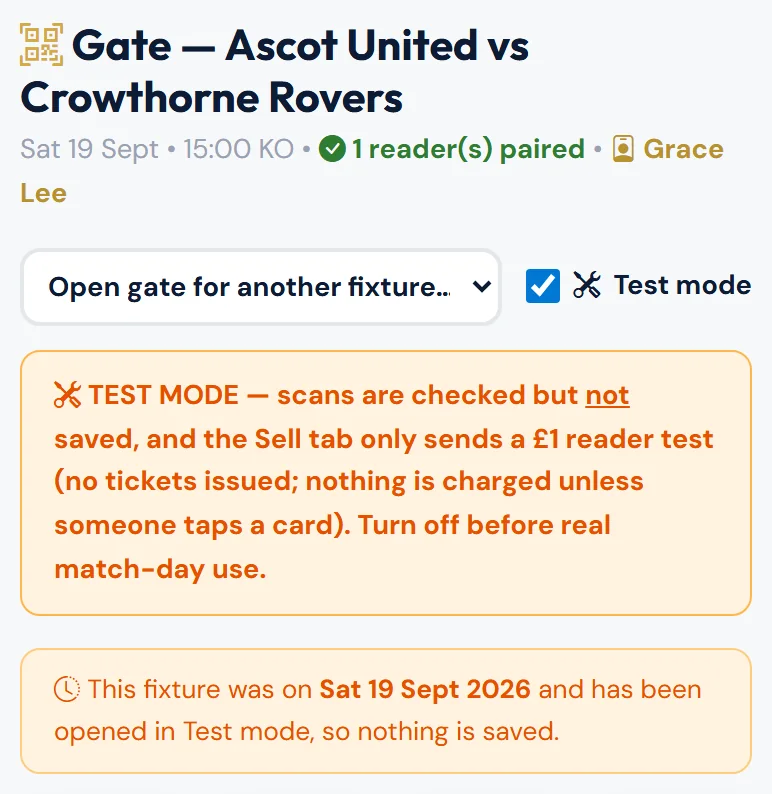
While it's on you'll see an orange TEST MODE banner, and Check In becomes Test Scan. For a future match there's also a blue note: "This fixture is on … — you're rehearsing ahead of match day."
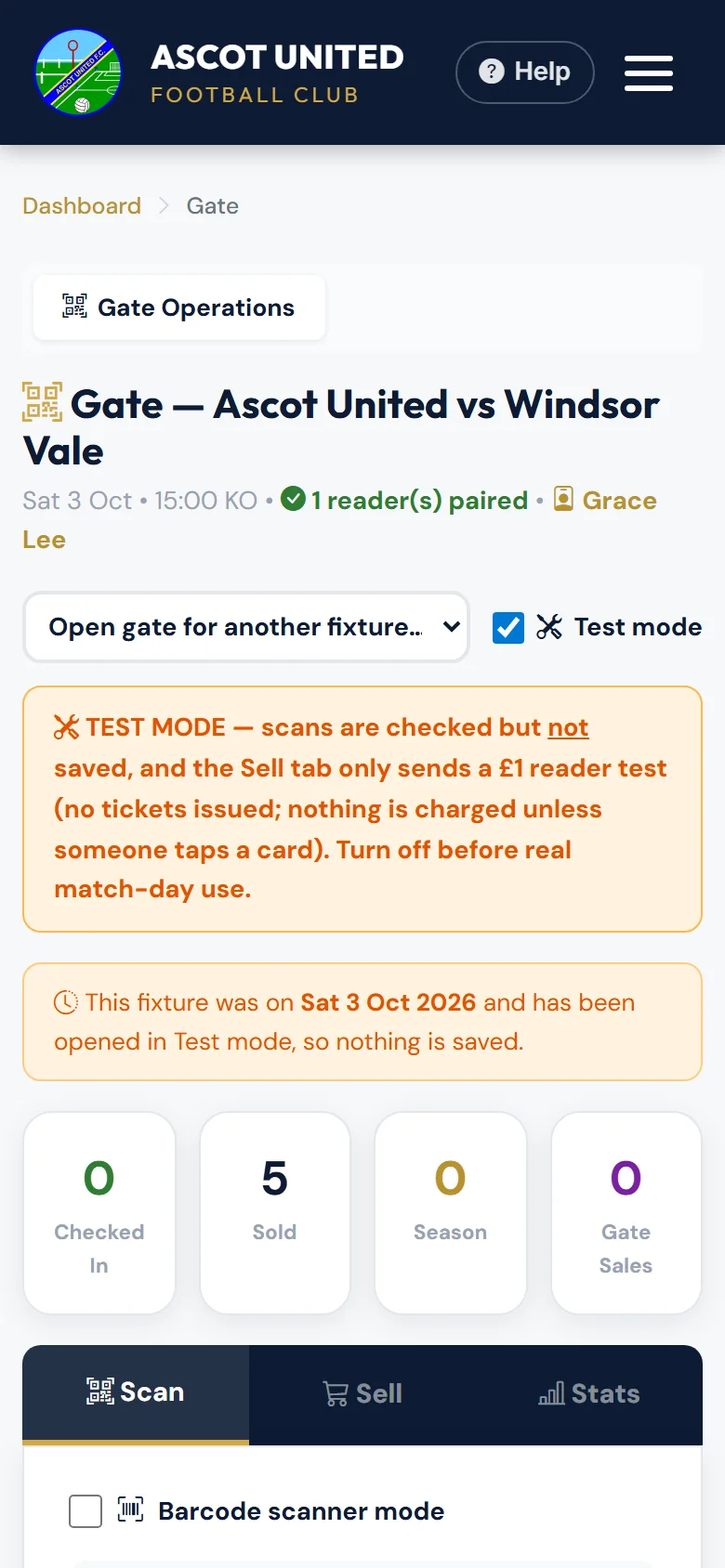
If you open a match that has already been played (for example from an old link), you'll see "This fixture was on … and has been opened in Test mode, so nothing is saved."
What you can practise
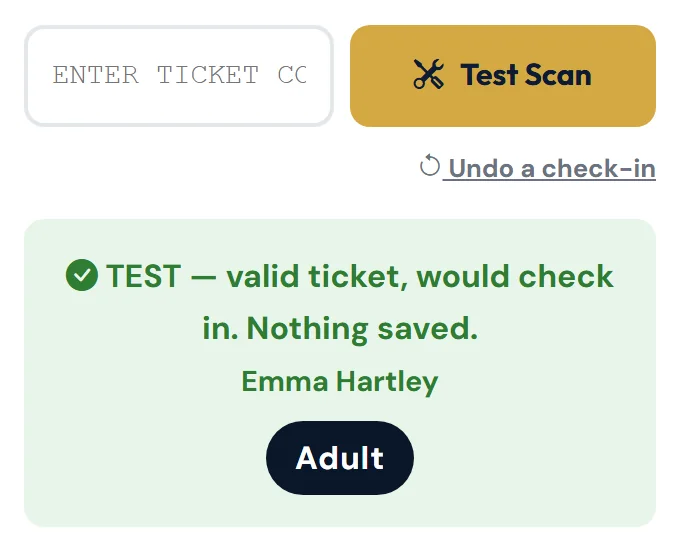
- Scanning. A valid code shows, for example, "TEST — valid ticket, would check in. Nothing saved." Codes that would be refused show the normal message.
- Season ticket search and Record free entry — checked, but nothing is saved.
- The card reader — see below.
Selling is switched off in Test mode — Take Payment and Issue free ticket(s) are hidden.
Checking in a club event ticket from the ticket's own page (with your phone's camera) is always real, even in Test mode.
The event gate for a club event has no Test mode — check-ins there are always real. If you're practising on a match and tap an Event: … button, you leave Test mode. See Scanning tickets.
Testing the card reader
On the Sell tab, tap Send £1 test to reader. The reader should wake up and ask for a card within a few seconds. Don't tap a card — press cancel on the reader, or tap Clear reader. Nothing is charged as long as no card is tapped, and no ticket is created.
If the test can't reach the reader, you'll see the same messages as when selling, such as "The card reader is offline. Nothing has been charged. …" See Selling at the gate for what each one means.
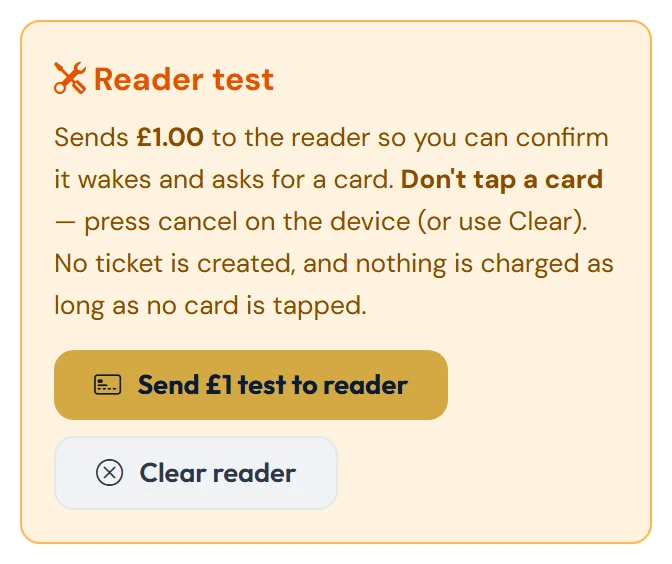
The £1 test is a real request to the card reader. If someone taps a card, they will be charged £1 — so never let a customer use it.
Before the match
Make sure Test mode is off for today's match — the orange banner should be gone. Only untick Test mode on the day of the match: on any other match, scans and sales would become real.
Still stuck?
Tickets, season tickets and match day: Dan Birchmore