
If you're helping at a holiday camp, the club office adds you to that camp's staff. You need a staff account first — see Your staff account and first sign-in. You aren't sent an email when you're added; the Soccer Camps tile simply appears on your dashboard.
Your camps
Choose Soccer Camps on your dashboard. You only see the camps you're helping at, with their dates, venue, number of days and bookings. Show past lists camps that have finished.
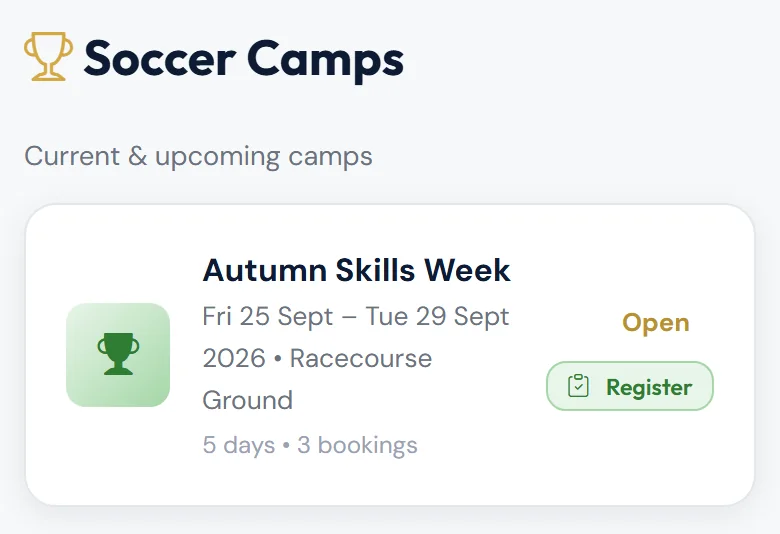
Choose Register to go straight to the register, or tap the camp to open its page.
The register
The Attendance Register opens on today's camp day (or the first day, if the camp hasn't started). Use Day to switch days. The top line shows how many are booked, signed in and signed out.
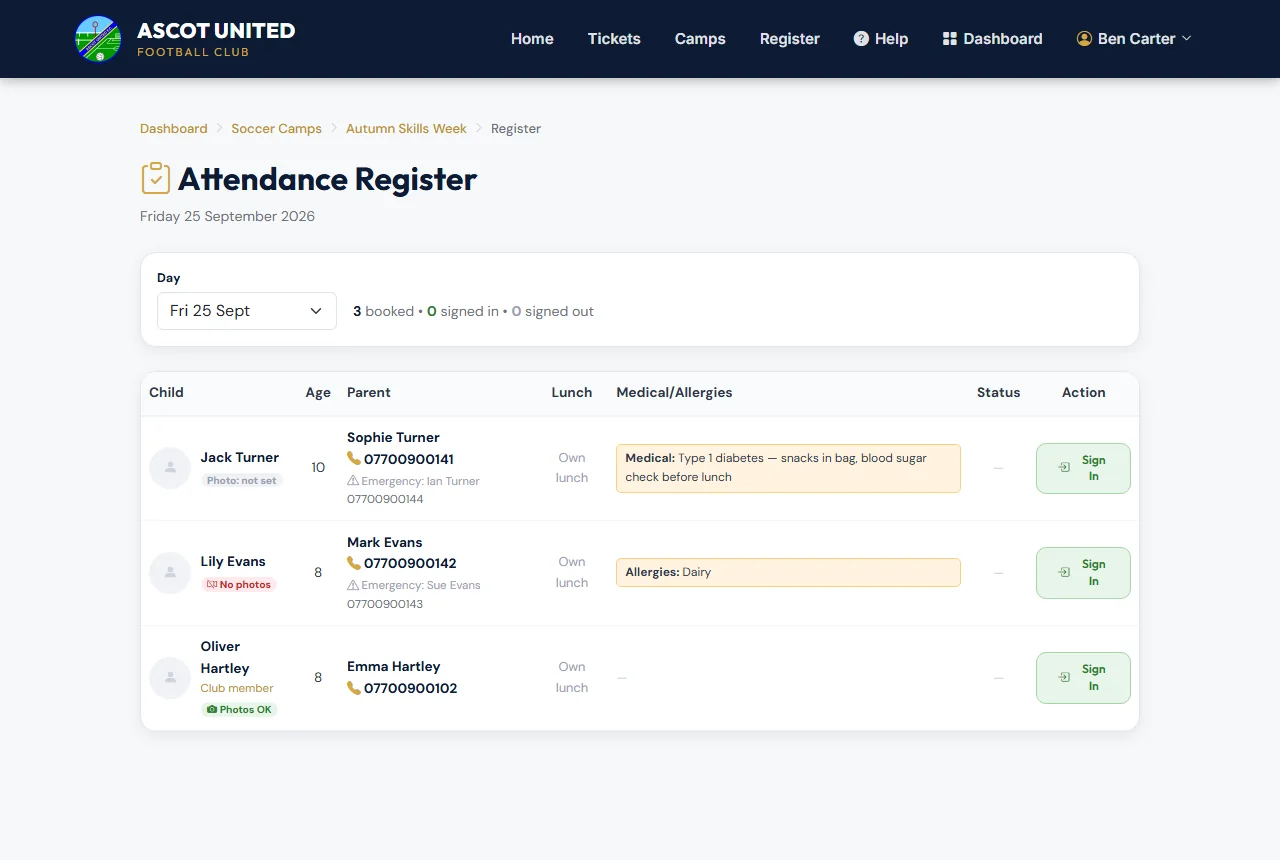
For each child booked on that day you'll see:
- their photo, if they're a club member with one on file, and Club member if they are
- photo consent: Photos OK, No photos or Photo: not set
- their age
- the parent's name and phone number (tap to call), and any Emergency contact
- their lunch choice, or Own lunch
- any Medical notes and Allergies
To record attendance:
- When a child arrives, tap Sign In. The time appears under Signed In.
- When they're collected, tap Sign Out.
- If they come back, tap Sign Back In.
Times are shown in UK time, and the app records who signed each child in and out. Only confirmed bookings appear on the register.
Bookings and the camp page
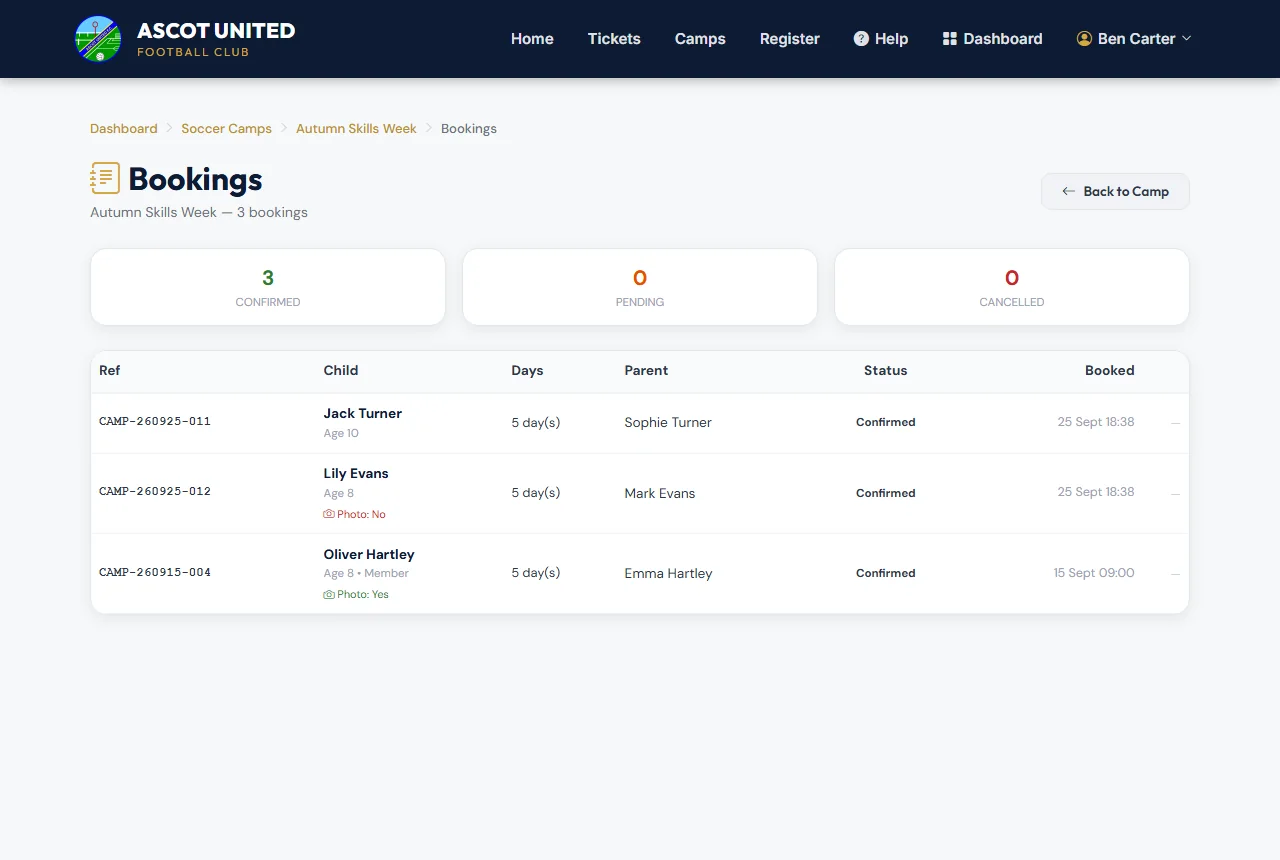
Bookings lists every booking for the camp — reference, child, number of days, parent's name, status and when it was booked. It doesn't show prices, payments or parents' email addresses, and you can't change or cancel bookings.
The camp's page shows the dates, whether booking is open, how many are booked each day, the lunch menu and the camp staff.
What the office handles
Changing the camp, taking walk-up bookings, payments and refunds, cancelling bookings and messaging camp parents are all done by the club office. If a parent asks about any of these, pass them to the office.
Medical notes, allergies and phone numbers are confidential. Use them only to look after the children at the camp.
Still stuck?
Holiday camps: Jo Gavin