
The club keeps its policies, codes of conduct, forms and team information in the app.
Finding documents
- Signed in: choose Club Documents on your dashboard. You'll see the club's general documents and anything for your children's teams or age groups.
- Not signed in: choose Club Documents at the bottom of any page for documents the club has made public.
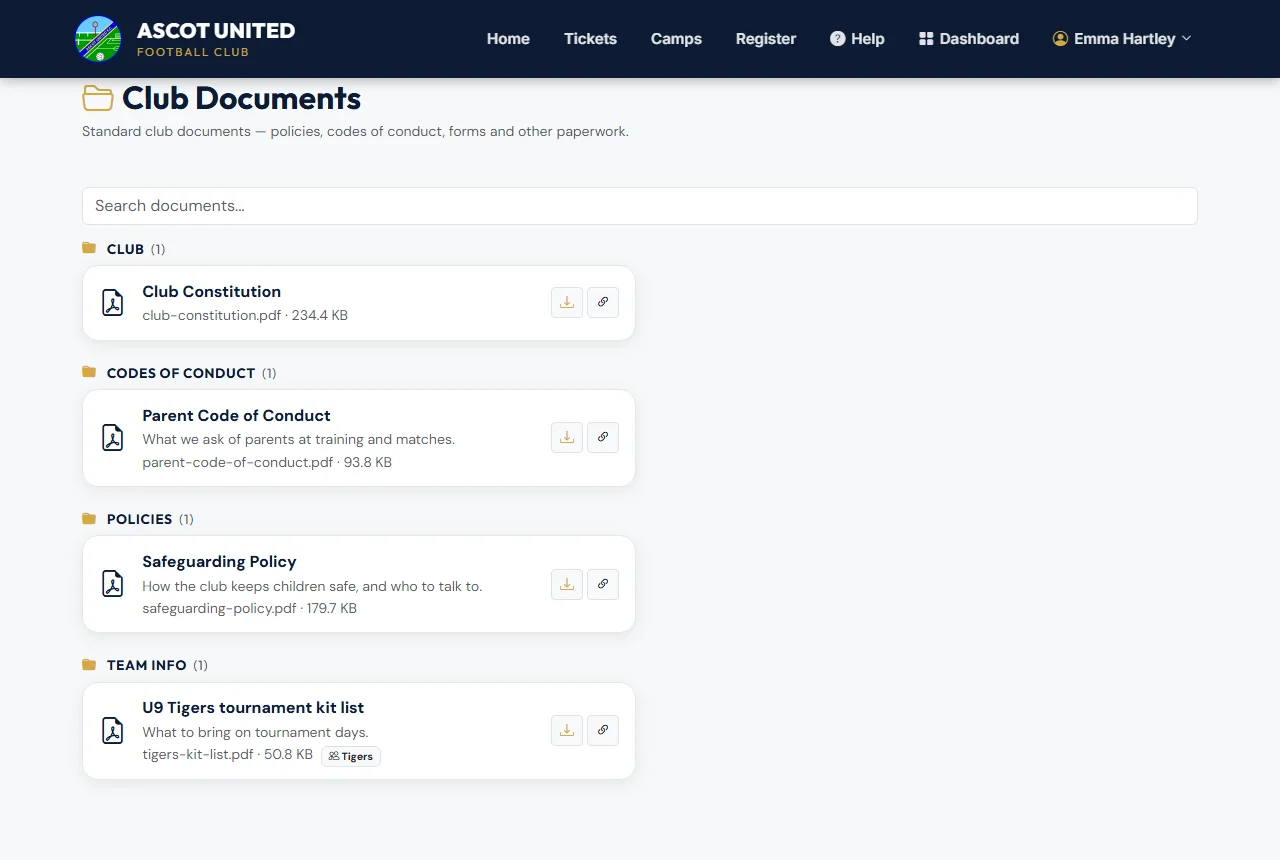
Documents are grouped by type. Type in Search documents… to find one quickly. Choose a document's title to open or download it, or Copy link to share it with someone else on the account.
Links that ask you to sign in
If someone sends you a link to a document for parents, you'll be asked to sign in first. After signing in, the document opens.
If a document you expected isn't there, it may only be shared with a particular team. Contact [email protected] 07856 210361.
Still stuck?
General enquiries: Jo Gavin