
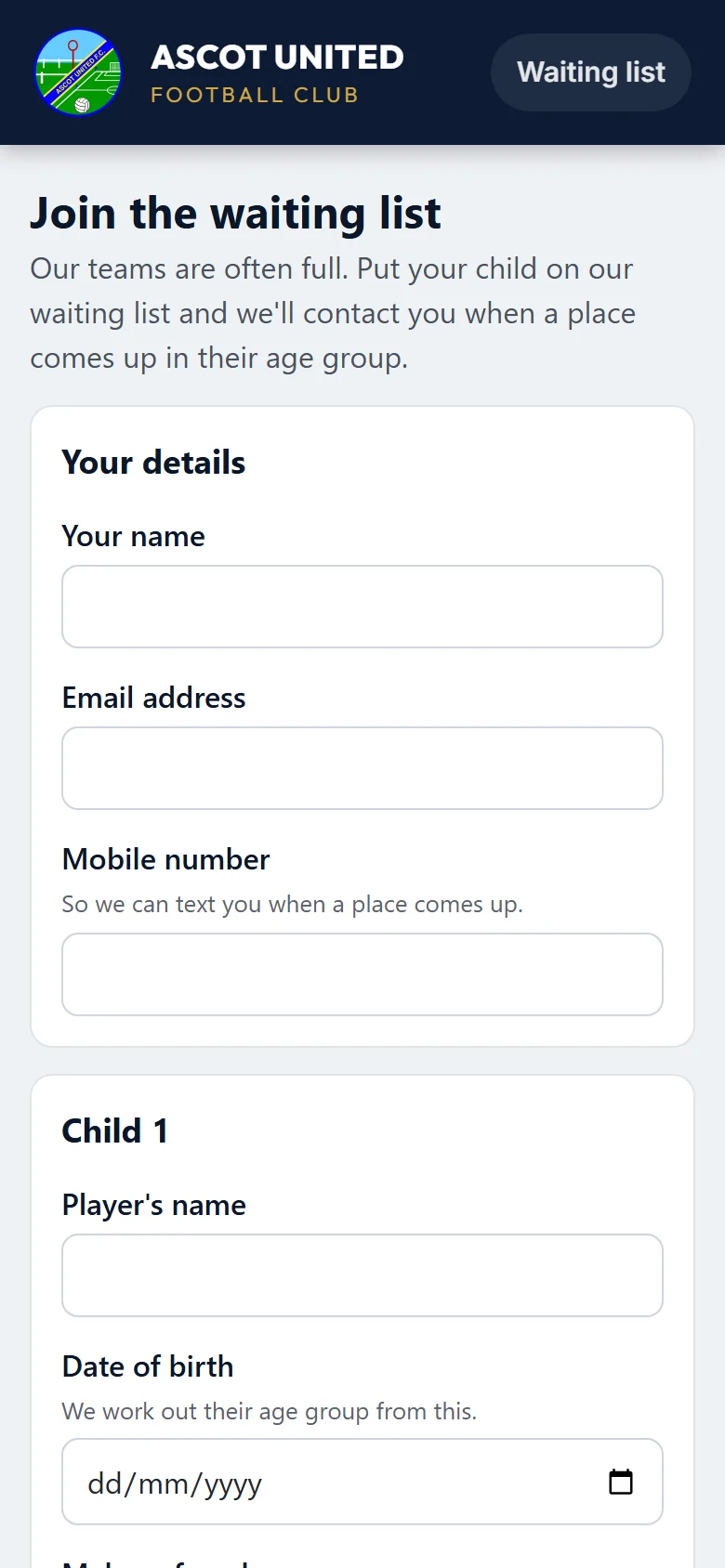
When our teams are full, you can put your child on the club's waiting list. We'll contact you when a place comes up in their age group. Go to app.ascotunitedfc.co.uk/waitinglist. You don't need an account or to sign in.
If the page says the waiting list isn't open online at the moment, please check back later.
Filling it in
First, your details: your name, your email address and your mobile number. We use them to contact you when a place comes up, by email or by text.
Then, for each child:
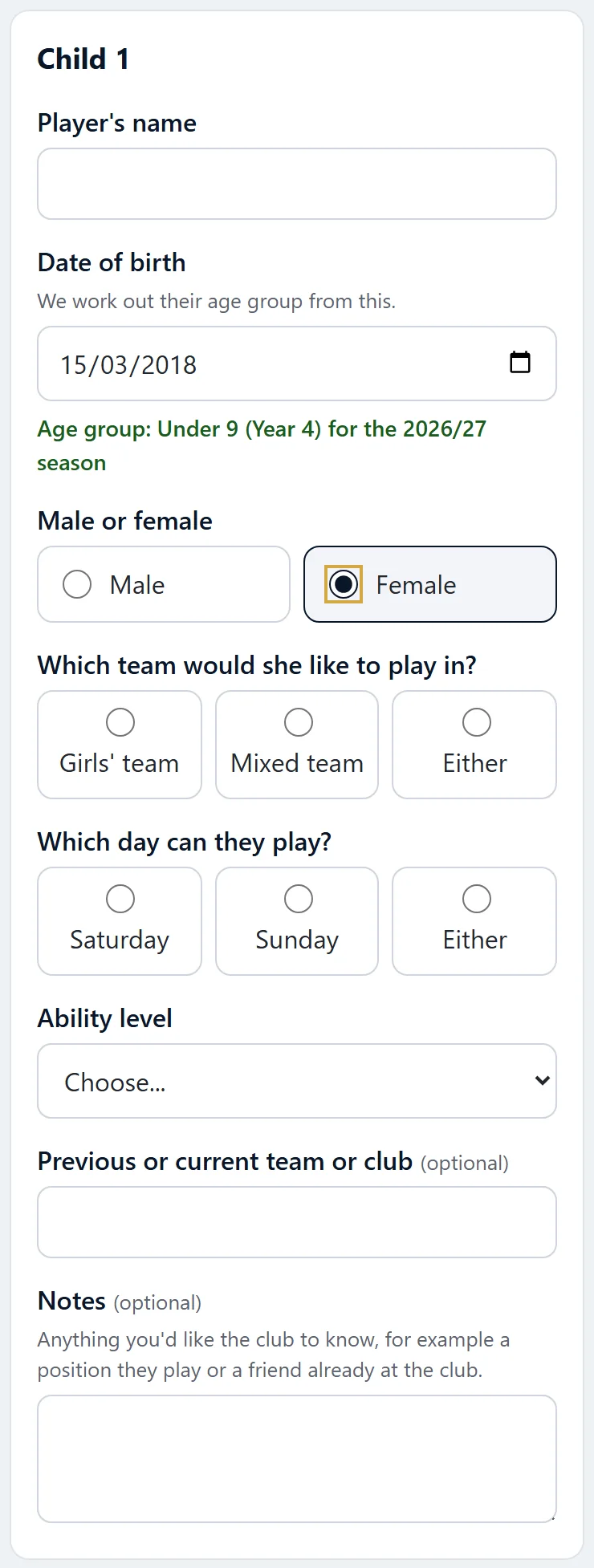
- Player's name and date of birth. As soon as you enter the date, the form shows their age group and school year for the season (for example Under 9 (Year 4) for the 2026/27 season).
- Male or female. For a girl, the form also asks which team she'd like to play in: a girls' team, a mixed team, or either. With either, she's on both lists.
- Which day they can play: Saturday, Sunday or either.
- Ability level, from the list.
- Previous or current team or club, and any notes for the club (both optional).
To put a brother or sister on the list too, press Add another child (up to six on one form). Each child gets their own place on the list for their own age group.
Last, tick the box to say you're the child's parent or carer and you're happy for the club to keep these details, then press Join the waiting list.
How the age group is worked out. It goes by school year: your child's age on 31 August at the start of the season. The waiting list takes children from the year before they start school up to Under 18s. Each summer, on a date the club chooses, everyone on the list moves up to their age group for the next season, keeping their place in the order.
After you've joined
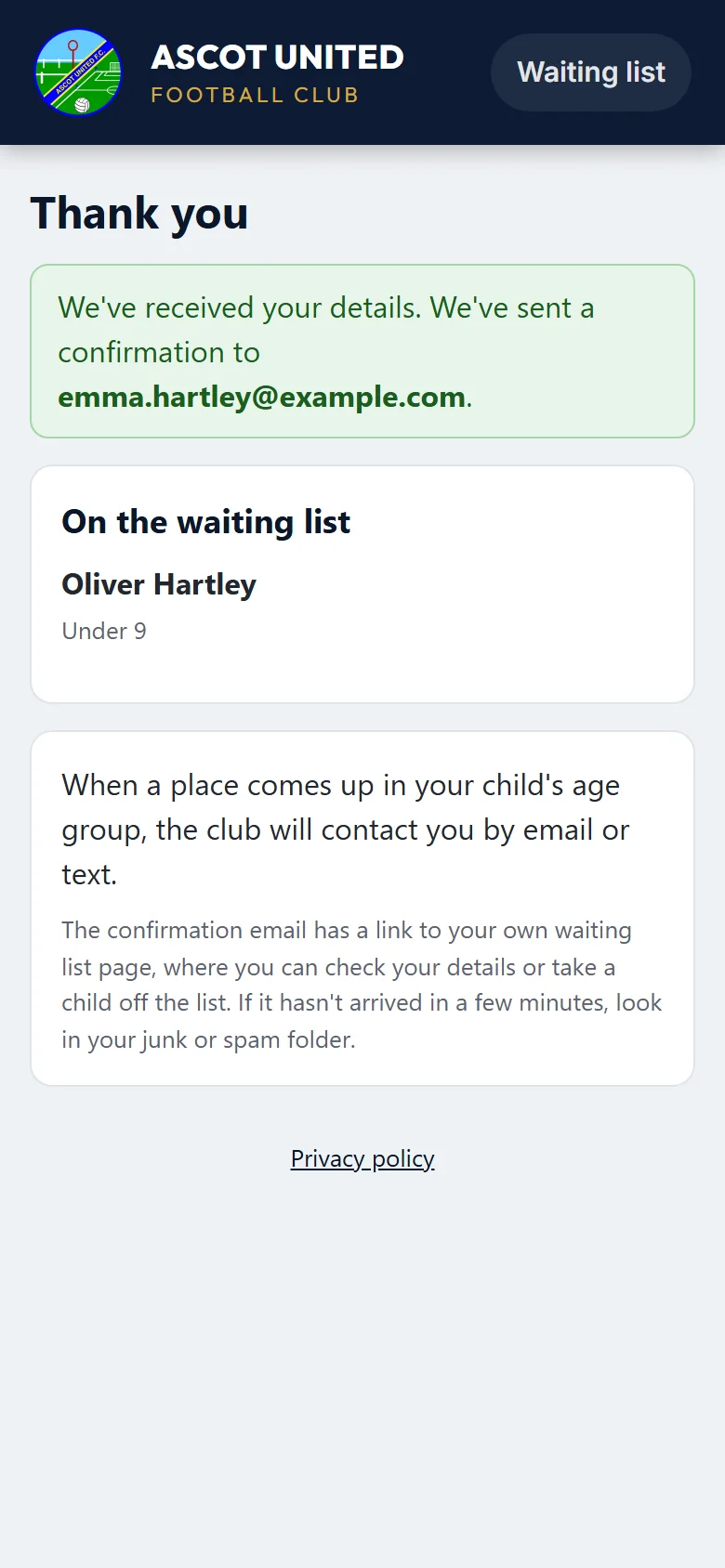
The page confirms it, and we send you one email listing each child and their age group. If it hasn't arrived in a few minutes, look in your junk or spam folder.
Your child's place depends on when you joined. If you send the form again for a child who's already on the list (same email address, name and date of birth), they aren't added twice: they keep their original place, and the email says so.
After that, you'll only hear from the club about a place, by email or text. If an email from the club asks you to reply, just reply to it.
Checking or leaving the waiting list
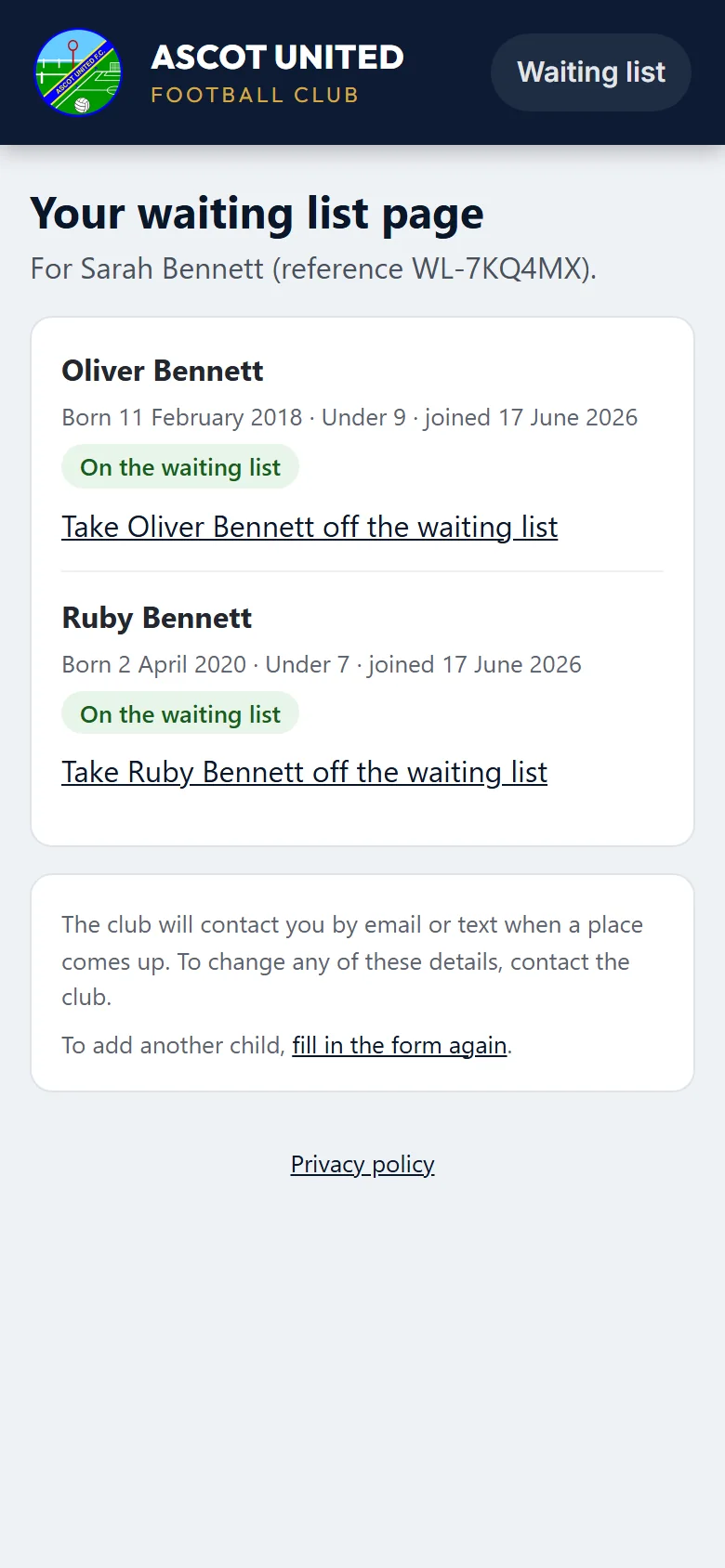
The confirmation email has a button, My waiting list page. It shows each child you put on the list, their age group, the date they joined, and whether they're still on the list.
Emails from the club about a place have a similar link, for the children that email is about.
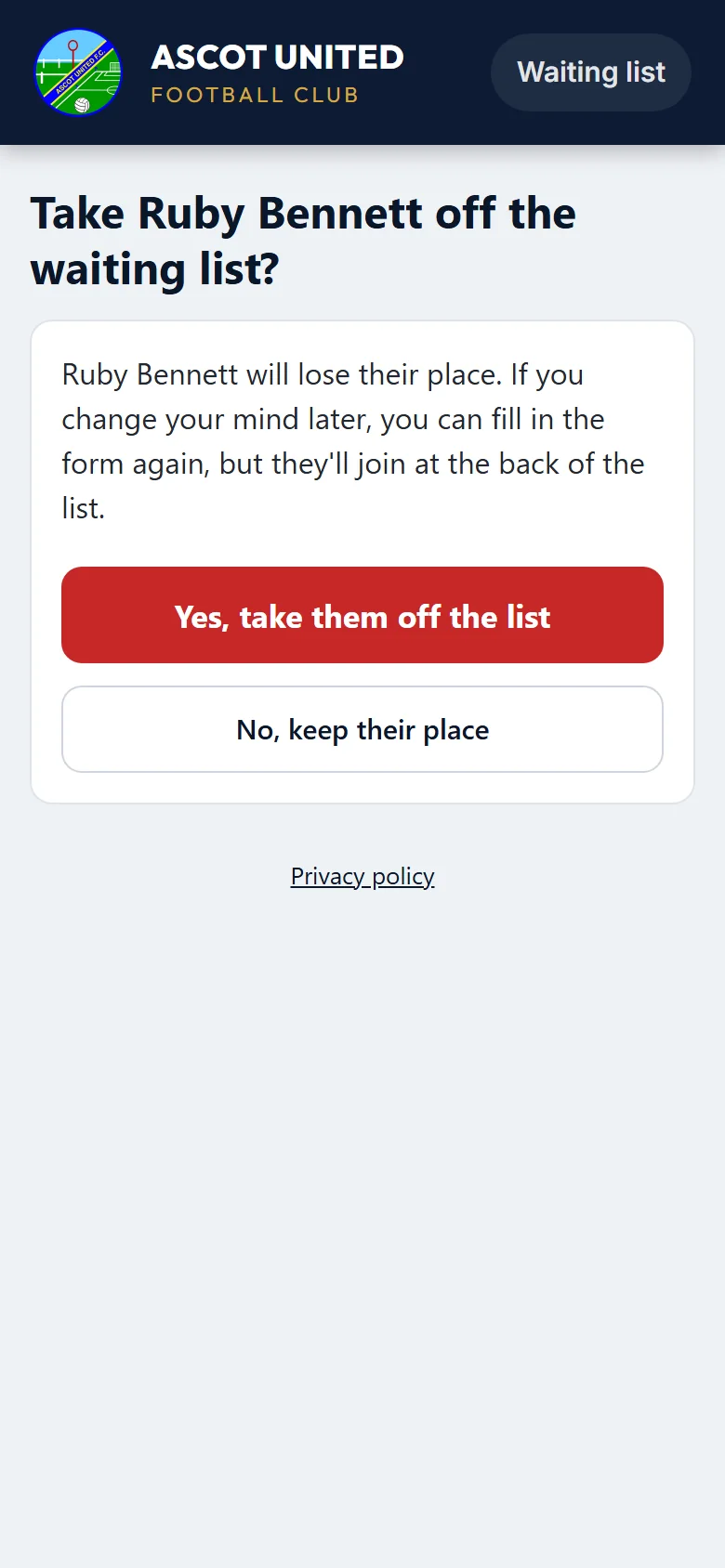
To take a child off the list, press Take [name] off the waiting list. The page asks you to confirm first. If you change your mind later, you can fill in the form again, but your child will join at the back of the list.
Keep the email. Anyone who can open it can use the link, so don't forward it. To change your details (a new phone number, for example), contact the club: [email protected].
Who sees your details
Only the club's administrators, and the volunteers they choose for your child's age group (usually its coordinator), can see what you've given us. When a child comes off the list (they join a team, or you take them off), their record is kept with the club's records but is no longer on the list. Our privacy policy explains your rights.
Still stuck?
Registrations and membership: Registrations