
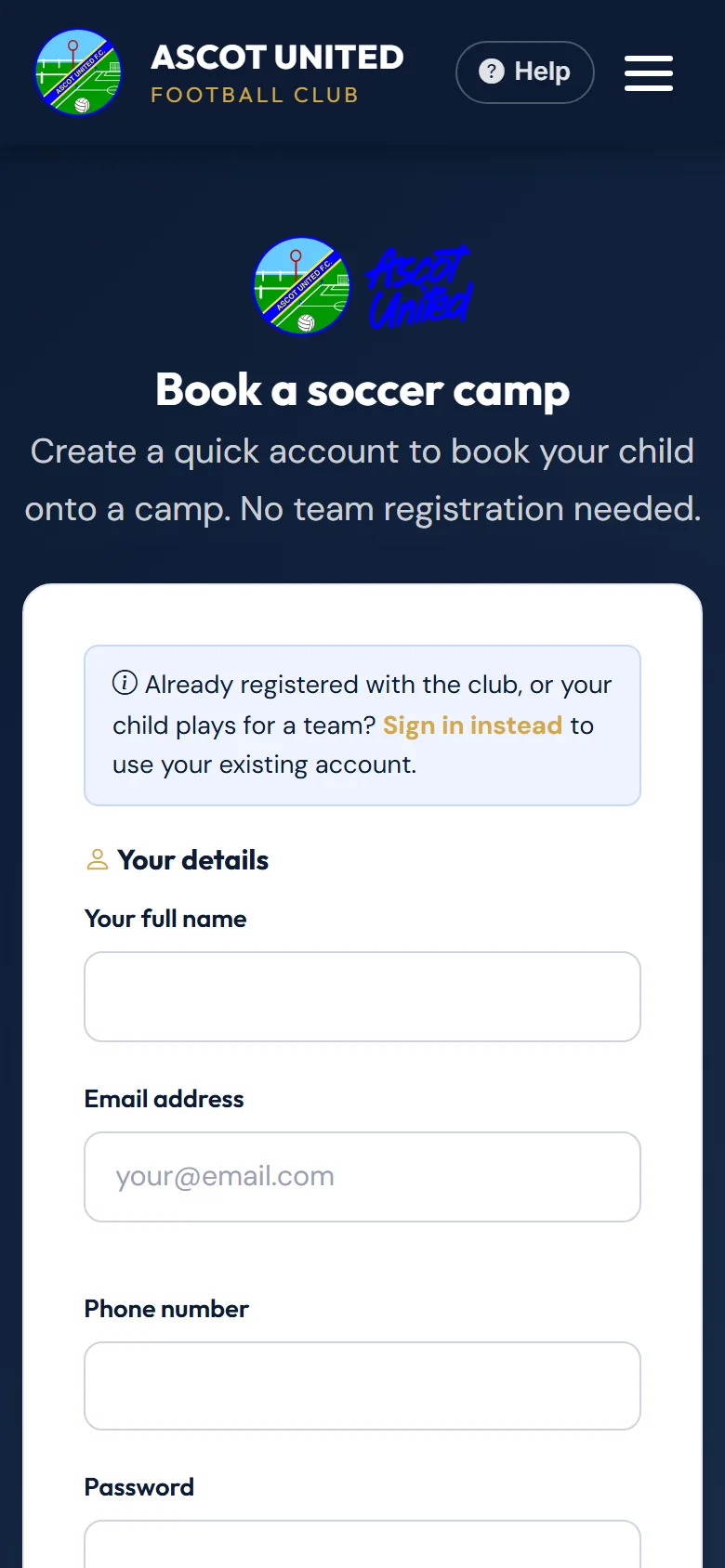
You don't need to register with a team to book a holiday camp. A quick camp account takes a couple of minutes.
Already registered with the club, or your child plays for a team? Sign in with your existing account instead — you'll get member prices.
Creating a camp account
- Choose Camps, pick a camp and choose to book it.
- On the sign-in page, choose New to camps? Create a quick account.
- Fill in your details and choose a password.
- Add your child: name, date of birth, and optionally medical notes, allergies and a photo. No proof of age is needed.
- Tick to agree to the privacy policy. Choose whether you'd also like the club's news (optional).
- Choose Create account & continue. You're signed in and taken back to the camps.
Adding more children
Choose Camps → My Children → Add Child, or Register another child while booking. Camps are for children aged 3 to 17.
Keeping details up to date
In Camps → My Children, choose Edit (or Add photo) on a child to:
- correct their name or date of birth,
- update medical notes and allergies — these are used for future bookings,
- add or replace their photo. A photo really helps our coaches recognise each child on the day.
To remove a child from your account, open Edit and choose Remove this child. You can't remove a child who has a camp place coming up — contact the club if that booking needs cancelling.
On your dashboard
Camp children also appear on your dashboard marked Camp only. You don't need to do anything with them there.
Still stuck?
Holiday camps: Jo Gavin