
At checkout: "Payment not completed"
If you close the Stripe page, press Back, or your bank doesn't approve the payment, you'll see Payment not completed — no money has been taken.
- Choose Try payment again. Your registration is saved, so you don't need to fill in the form again.
- Or come back later: your child's card on the dashboard shows Resume Payment.
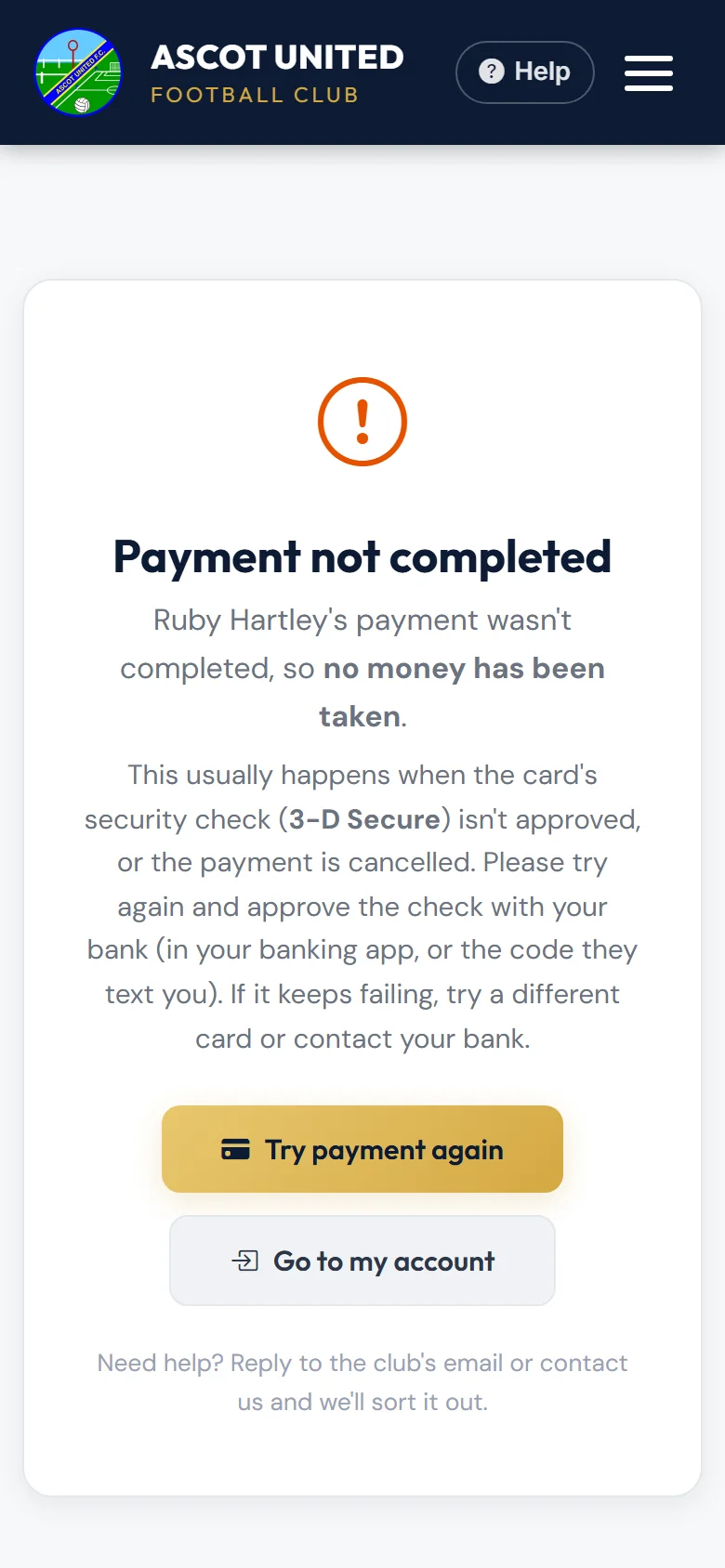
Most failures at checkout are the bank's security check (3-D Secure). Have your banking app ready to approve the payment, or wait for the code your bank texts you.
On a monthly plan: "Payment Issue" email
If a monthly payment is declined, we email you a Payment Issue message showing:
- the reason your bank gave — for example "Your card has insufficient funds."
- the date Stripe will try again.
What to do:
- If your card has changed or expired, choose Update my card in the email and add the new card before the retry date.
- If it was a one-off (for example not enough money in the account), make sure the money is there by the retry date. You don't need to do anything else.
Stripe tries again automatically a few times. If a payment still can't be taken, the email says Stripe won't try again — update your card and contact [email protected] 07856 210361, and the club will help you pay what's left. The club may email you a Balance to pay link for the amount still owing, to pay in one go.
You can check how many monthly payments have been made on your My Payments page.
Still stuck?
Payments, instalments and refunds: Jo Gavin